AI Tool Decisions · Guide
Compare AI Document Summaries With the Original PDF
A short summary is useful only when it preserves the conditions the source makes important.
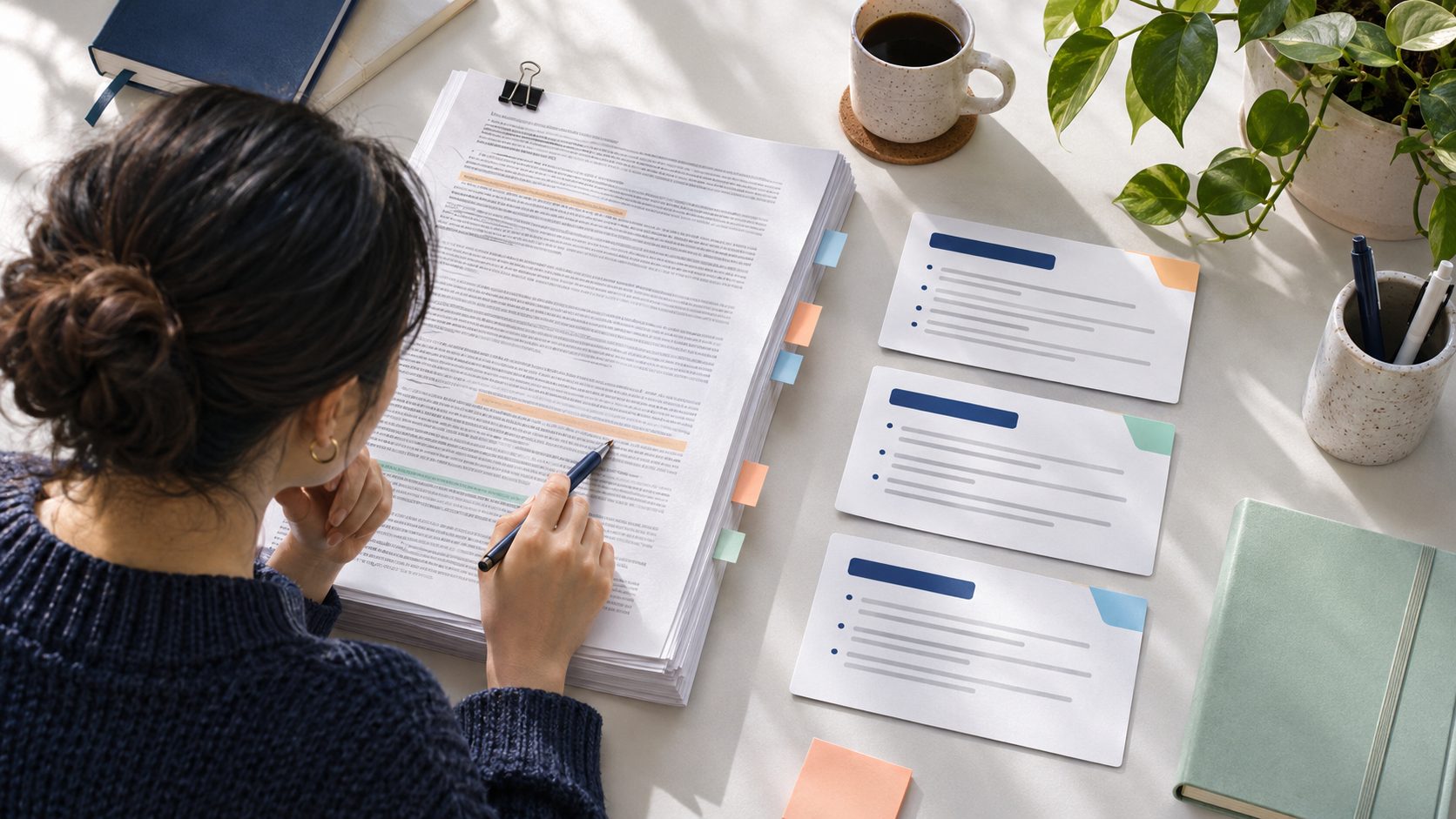
A long PDF invites a summary. The document may be a report, a manual, a policy, or a research paper, and the reader may only need a few points. AI tools can produce a neat answer quickly. The danger is that a summary can be fluent while dropping the condition that makes a sentence true. A figure may apply only to one group, a requirement may have an exception, or a conclusion may be labeled tentative in the original. A careful comparison is a practical way to use summarization without confusing brevity with fidelity. This guide focuses on checking a specific summary against its source, rather than choosing a PDF assistant by feature list. The method works with a tool-generated paragraph, a bullet list, or a question answer. Start by deciding what the summary is for. An orientation note can be broad; a summary used to support a decision needs a stricter check of definitions, limits, and page references. The higher the consequence of using a sentence, the more directly someone should verify it in the source.
Prepare the source and question
Confirm that the PDF is the intended version. Documents can be revised while retaining the same title, and a downloaded copy may be older than the publisher's current page. Record title, author or publisher, date, version, and source URL where available. If the PDF is a scan, check whether its text layer is readable. A tool may silently skip tables or misread columns when extraction is poor. Before scoring its summary, determine whether it could actually access the material you expect it to cover. Ask a narrow question when possible. “Summarize this document” encourages a broad overview that may omit the section you care about. “What does the report say about the evaluation method and its limits?” produces an output that can be checked against identifiable pages. Keep the exact question with the summary. A sentence that looks incomplete may be a reasonable response to a narrow question, while the same sentence could be inadequate as a full-document abstract. For a long document, make a short source map before reading the AI output: table of contents, key definitions, methods, findings, exceptions, and appendices. You do not need to read every word first, but you should know where the decisive material is located. A summary may overrepresent the opening executive section and miss qualifications in the methods or footnotes. The source map lets a reviewer target those gaps efficiently.
Turn summary sentences into checkable claims
Number each factual sentence or bullet in the summary. For each one, find the page and passage that supports it. Mark it supported, partly supported, contradicted, or not located. “Not located” does not automatically mean false; it means the summary has not earned that statement from the document. If the tool provides citations, open them. A citation can point to a page that mentions the topic without supporting the specific claim. Do not treat the presence of a page number as verification. Check qualifiers. Words such as “may,” “in this sample,” “under these conditions,” and “as of this date” often carry the source's real meaning. A summary that removes them can turn a cautious finding into a universal claim. For numbers, verify the numerator, denominator, unit, timeframe, and population. A table cell may refer to a subgroup rather than the whole report. If a chart caption changes the interpretation, include it in the check. A concise accurate sentence may need a few extra words to preserve these conditions. Look for reversals and missing exceptions. Policy documents often state a general rule followed by exclusions; technical manuals describe a standard path and special cases. A summary that reports only the first part may be misleading even when every word it says is literally present. Ask: “What would a reader do differently if they saw the omitted passage?” If the answer is “choose a different option” or “stop the action,” the omission is material. Add that condition to the summary or reject the output for this use.
Check what the summary leaves out
A summary cannot include everything. The question is whether it omits information needed for its declared purpose. If the task is a quick orientation, it may be fine to omit implementation detail. If the task is comparing two safety procedures, missing a hazard condition is not fine. Write the intended reader decision at the top of the review. Then scan the source map for sections that could change that decision. This prevents the review from becoming an impossible demand for exhaustive coverage. A useful test is to ask a second question about limits: “What does this document not establish?” Verify the answer manually. If the tool says nothing about uncertainty but the report has a substantial limitations section, the first summary may be too confident. Another test is to compare the tool's summary with the document's own abstract or executive summary, then inspect points where they diverge. Neither is automatically correct for your task, but divergence directs attention to an important page. For PDFs with tables, appendices, or embedded images, check whether the tool can interpret those elements or only the text layer. A summary of a chart without its axis labels can be wrong in a way that sounds plausible. If the tool cannot reliably read a section, say so and open the original. The right outcome may be a partial summary with clearly marked gaps, not a fully confident account. A manual note that captures one crucial table may be faster than repeatedly prompting the model to infer it.
Use a compact review record
Keep the exact PDF version, question, tool output, claim checks, page references, and corrected summary. This is enough for another person to repeat the important verification. It also separates the tool's draft from the editor's final wording. If the document contains confidential information, follow the organization's access rules and avoid copying long excerpts into a broad shared workspace. A review record should preserve evidence without expanding exposure unnecessarily. Measure the review effort. If checking a 150-word AI summary takes longer than reading the relevant five pages, the tool may not help with this document. On the other hand, it may be useful for navigation: identifying candidate sections, producing a rough outline, or generating questions to investigate. A failed summary is not necessarily a useless tool, but it changes the role the tool should play. Do not force an unverified answer into a decision memo because the interface offered a convenient export button. When sharing the final summary, link to the original PDF and mark what is your interpretation. If the document is current and public, direct page links can help readers verify important claims. If it is an internal document, use the approved location and version. Do not imply that the AI tool endorses the conclusion or that a citation settles the author's judgment. The editor owns the choice of emphasis and the meaning of the final summary.
Decide whether the method is good enough
A summary passes when its material claims are supported, its scope matches the question, and its omissions do not hide a decision-changing condition. Correct the text or narrow its use when those criteria are not met. For a high-stakes document, qualified subject review may still be required. The AI output can be a starting point for reading, not a replacement for the source. That distinction is the real skill: use the summary to find your way through the PDF, then let the PDF decide what the summary can truthfully say.
Sources and update note
Follow the linked official source before a product, price, plan, or policy decision.