AI for Creators · B guide
Using AI to Make Content More Accessible: A Creator’s Checklist
AI can speed up drafts for captions, descriptions, and checks—but accessibility still depends on context, intent, and final human review.
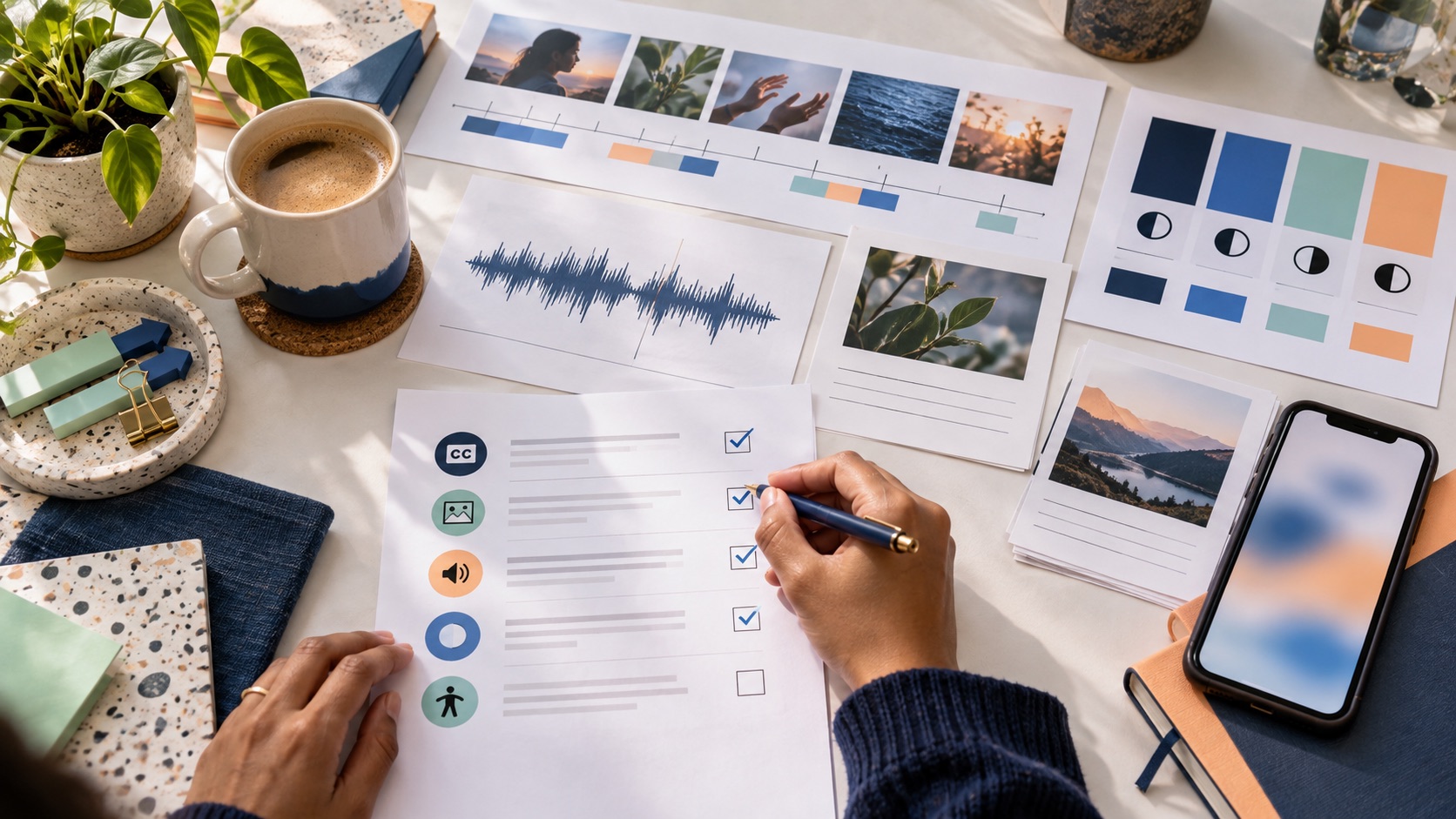
Use AI to propose accessible alternatives, then review the result against the meaning, audience, and current accessibility guidance for the content you are publishing.
Accessibility is a communication decision
Accessibility work starts with the message, not the checkbox. Ask what a viewer would miss if they could not hear the soundtrack, distinguish a color, use a mouse, or see a decorative image. That question identifies the meaningful parts of the content. AI can help you draft descriptions, caption transcripts, heading outlines, and contrast-review notes, but it cannot reliably decide what your audience needs to know. The creator or editor must make that judgment in context. Treat automation as a first pass that creates more time for the decision only a human can make.
0Draft alt text from purpose, not appearance alone
Useful alternative text tells someone why an image is present. A decorative flourish may need no descriptive content; a chart may need a concise finding plus access to the underlying data; a process photo may need the action that supports the article’s point. Give an AI assistant the surrounding paragraph and ask for several short options, then choose or rewrite one. Avoid stuffing filenames, “image of,” or every visual detail into the field. The test is simple: if a reader heard only the alternative, would they understand the same relevant point?
0Use captions as editorial material
Automatic captions are a draft, not a deliverable. Review names, numbers, terminology, speaker changes, and meaningful sound. Match the timing to the speech, and leave enough contrast and screen space for people to read them. If the video makes a claim with a visual demonstration, add narration or text that carries the claim as well. This improves sound-off viewing and makes the edit more precise. Where your platform supports captions tracks, use the available native format rather than permanently burning all text into the image.
0Check color, structure, and interaction early
A contrast checker can identify a ratio, but it cannot tell you whether the label makes sense. Use clear headings, descriptive links, visible focus, logical reading order, and controls that work by keyboard. Do not encode a status only in color. On small screens, zoom and test the actual page rather than trusting a desktop mockup. AI can suggest a semantic outline or flag repeated vague link labels, but the browser and a real review are where the result becomes observable.
0Create a lightweight publishing checklist
Before publication, confirm that meaningful images have reviewed alternatives, videos have reviewed captions, headings form a useful outline, links describe their destination, essential color information has another cue, and the page works with keyboard navigation. Keep the checklist short enough that people use it. When a problem is found later, fix the page and update the checklist only if it would have prevented the error. Accessibility is sustained by this repair loop, not by a one-time declaration.
0An accessible publishing pass in practice
Before publishing a practical guide, run the page through a short human review. Start with the heading outline: does a reader understand the argument from the headings alone? Then use keyboard navigation from the top of the page and make sure a visible focus indicator reaches every control in a sensible order. Review meaningful images with the surrounding paragraph open; an alternative that describes colors or objects but not the point needs revision. On a phone, check that text remains legible and controls are not crowded. For video, watch with captions enabled and with sound muted, then compare the caption draft to the spoken claims and sound cues. AI can accelerate the first drafts of these elements. It can turn a transcript into caption candidates, propose clearer link text, or identify headings that look visually different but are not semantic headings. The review remains human because intent lives in the publication context. If a chart is the evidence for a recommendation, the page must make the conclusion available to someone who cannot see the chart. If a clip shows an action that changes the meaning, the narration or description must carry that action. This is not extra polish added after the “real” work; it is how the real work reaches more people.
- Review in the destination format, not only in an editor.
- Fix meaningful issues at the source rather than writing a generic accessibility statement.
- Keep a short repair log so recurring mistakes improve the next brief.
Make the repair path visible
No publishing checklist catches every issue. Give readers a simple way to report an accessibility problem and make sure the route goes to a verified production contact before publication. When a report arrives, acknowledge it, assess the affected content, fix the underlying page where possible, and record the lesson in the editorial workflow. A repair path matters because accessibility is an ongoing relationship with real readers, not a claim a site earns once. For small teams, improvement can be simple: review a few representative pages each month, choose one recurring issue to fix, and update the next content brief. This creates steady progress without turning accessibility into a ceremonial audit. The goal is content whose meaning and controls remain usable under real conditions.
0Creator accessibility checklist
Check the reading order, headings, focus visibility, meaningful image alternatives, link labels, color cues, mobile text size, captions, and any interactive controls. Ask whether each asset’s essential meaning survives without sight, sound, or a mouse. Use AI drafts as prompts for review, then correct names, context, timing, and emphasis yourself. Test the actual published format where possible. If something fails, fix the content and record a small rule for the next brief. That is a practical accessibility practice a small team can sustain.
0Accessibility improves the editorial result
Captions make a rushed script visible. A useful heading outline exposes a weak argument. Good alternative text forces an editor to name why an image matters. These are not separate compliance chores. They are craft checks that help a creator make the message clearer for every reader.
0A small test with a big payoff
Ask someone unfamiliar with the page to navigate it using only the keyboard and to describe the main point of each meaningful image from its text alternative. Their experience will reveal issues that a content author can overlook after staring at the same page. Treat the feedback as a practical input to the next revision, not as a test the reader has failed.
0Use the result to improve the next brief
An accessibility review should leave the next creator with something practical: a clearer caption-safe area, a better alt-text prompt, a reminder to use real headings, or a preferred test on a small screen. Keep that advice connected to the type of content where it was learned. A video workflow and a long-form article have different risks. Small, specific updates are more likely to be used than a long generic policy, and over time they make accessibility a normal part of editorial planning.
0A final accessibility reminder
Review changes after publishing as well as before it. A platform update, an embedded asset, or a later edit can alter the experience. A small follow-up check protects the work the original review accomplished.
0Publish with context
When a page depends on an image, a video, or an interactive control, test that element in the real page—not in isolation. Context tells you whether a description, caption, label, or focus order is actually doing its job.
0Sources and update note
Follow the linked official source before a product, price, plan, or policy decision.