AI for Creators · Guide
Turn a Product Demo Into an Honest How-To Article
A demo shows what can happen under chosen conditions; a guide must help readers repeat a real task.
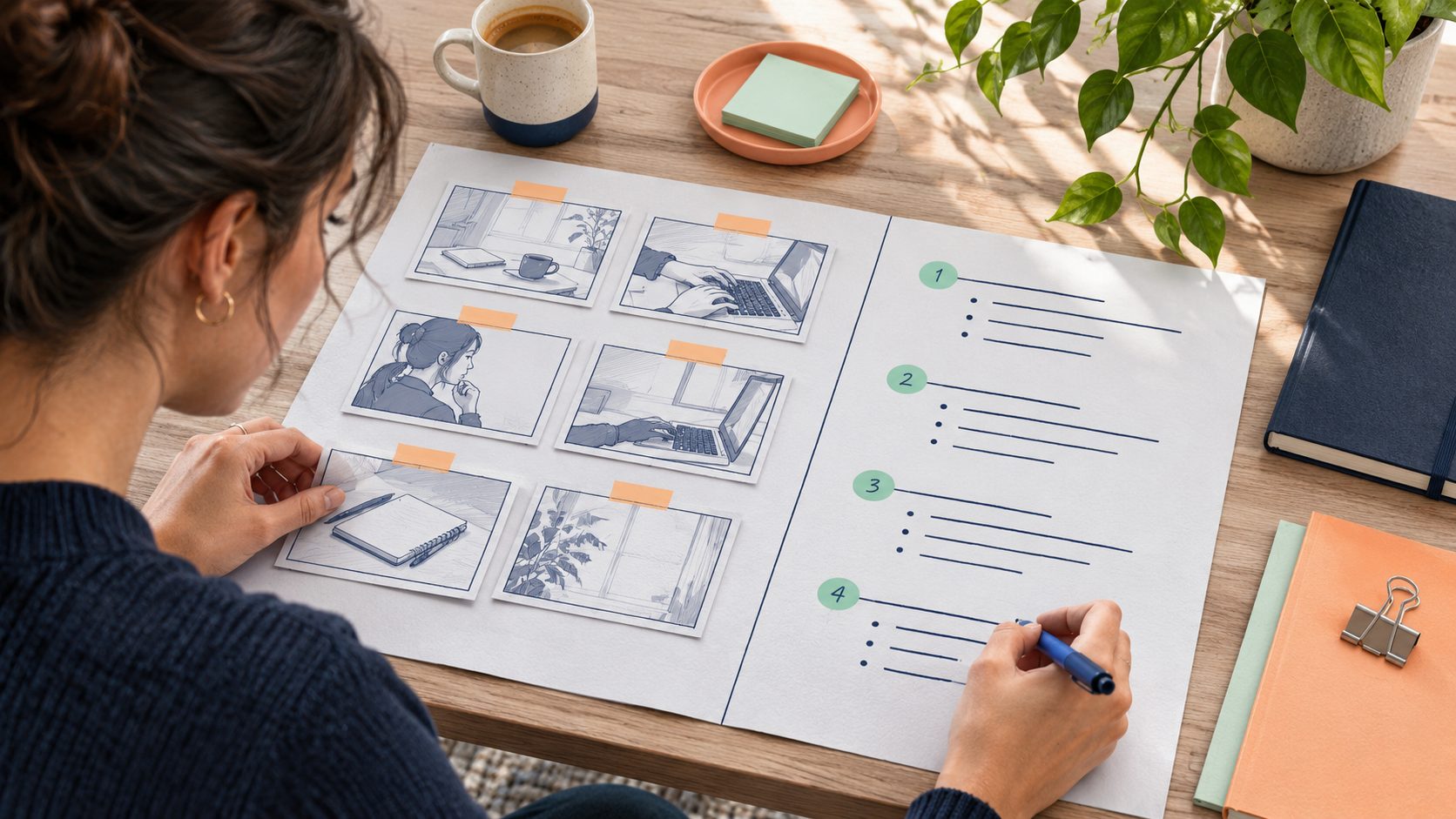
A product demo is designed to make a capability understandable quickly. It usually follows a prepared path, with selected input, a known account state, and a presenter who can recover if something goes wrong. A how-to article serves a different reader: someone starting from their own workspace, trying to complete a task without a presenter beside them. AI can help turn a transcript or storyboard into a first draft, but a straight conversion may carry the demo's hidden assumptions into instructions that readers cannot repeat. Begin by naming the task the article will teach. “Use the new AI feature” is too broad. “Create a short summary from an approved document and verify each cited section” is a task with an observable result. Write down the intended audience, account permissions, input type, device, and product version. Then watch the demo with these questions in mind. Every step that depends on an unseen setup becomes a prerequisite or a gap to test. If the demo skips a confirmation screen, do not invent it from a plausible interface pattern.
Separate evidence from presentation
Make a two-column note: what the demo visibly proves and what the presenter claims. A recording may show a summary generated from one sample document. It does not prove that the feature works for all document types, that its answers are always accurate, or that the same controls appear in every plan. If the presenter says a feature is “instant” or “effortless,” translate that into the actual sequence of actions, not a promotional promise. The article should help a reader make progress even if their result is slower or less polished than the staged example. Check product facts against current official documentation and the actual interface available for the article. Availability, limits, export formats, and control labels can change. Record the checked version or date in editorial notes. If the documentation and demo conflict, resolve the discrepancy before publishing instructions. A demo may have used an early release or a privileged account. The article can narrow its audience to the verified configuration instead of implying universal access. AI can help extract the candidate sequence from a transcript: preparation, action, review, and result. Ask it to flag missing transitions rather than filling them automatically. For each proposed instruction, compare the wording with the screen recording and a live test. “Click Continue” is not valid merely because a model generated it. If the control is a menu item with a different name, use the actual label. The drafting tool is useful as an organizer, while the editor remains responsible for the factual path.
Rebuild the path for a new reader
Run the workflow from a clean or ordinary account state. Do not reuse the presenter’s finished project, private template, or uploaded sample unless readers will have the same material. Prepare a safe sample input and explain why it is suitable. If the task requires access to a specific plan or permission, state that before step one. A reader should be able to decide whether the guide applies to them without spending ten minutes following steps that later reveal an unavailable button. Write each step with an action and expected result. For example: “Open the document from the approved workspace; the preview should show the current version and owner before you request a summary.” The expected result helps a reader detect a wrong starting point. Include a stop point when the system produces an unsupported answer or a missing citation. The guide should not teach readers to keep clicking until the screen looks like the demo. It should teach them to check what the tool actually produced. Test the path with someone who did not prepare the demo. Observe where they hesitate. A product owner may know a keyboard shortcut or hidden prerequisite that the article omits. A reader’s wrong turn is evidence about the instructions, even if the product eventually allows recovery. Revise the earliest misleading step rather than adding a long troubleshooting section at the end. A clear prerequisite or label can eliminate several later failures.
Make the result honest
Use examples that show the real output range. If a model summarizes a source document, show a short approved excerpt and explain how a person checked it. Do not display a perfect demo answer as if it were typical. When output varies, say what the reader should evaluate: factual alignment, missing conditions, citation quality, and suitability for the intended audience. The article can teach a review method even when it cannot promise identical text. That method often has more lasting value than the featured output. Avoid claiming time savings from a single staged run. A demo may omit setup, review, or cleanup time. If the article makes a productivity claim, it needs evidence from a fair comparison on representative tasks. Otherwise describe the workflow's potential advantage more narrowly: it creates a first draft, groups related material, or surfaces candidate sources. State the human work that remains. Honest limits make the guide more credible and help readers choose when to use the feature. Screenshots should document the tested path. Capture only the interface state needed for a step, with private information removed and enough context to orient the reader. Write alt text that describes the relevant control or result. A decorative image of a futuristic assistant will not help a reader find a menu. If the interface differs between desktop and mobile, test and label the supported view. Do not splice screenshots from different versions into one apparent sequence.
Review and maintain the guide
Before publication, have a reviewer follow the article from the stated starting state, using only the instructions on the page. Check that every control exists, every example is permitted to show, and every claimed result can be observed. Review citations and external links. If the guide includes a consequential action such as sending a message or changing an account, make the authorization step explicit and avoid treating a preview as completion. The reader should know when the action has actually happened. Keep a short maintenance note for volatile details: plan availability, UI labels, and screenshots. Assign an owner who can update the guide when the product changes. Preserve the reader task and the tested result as the article's anchor; a feature announcement can change quickly, while a well-defined task may remain useful. If a new version breaks the path, mark the article for revision or narrow the title until it is accurate again. Do not quietly leave an old screenshot to carry a current promise. A good how-to article is not a written replay of a demo. It is a tested route that a new person can follow, with prerequisites, checkpoints, and honest uncertainty. AI can speed the first outline and identify gaps, but the final proof comes from running the steps in the real product. Once a reader can repeat the task and understand the result, the article has earned its form.
Sources and update note
Follow the linked official source before a product, price, plan, or policy decision.